Changelog

Follow new updates and improvements to WorkWizard.

July 22nd, 2025

New

Improved

Fixed

Apps may take 48 hours to update and appear on store.

๐Ÿš€ New Features

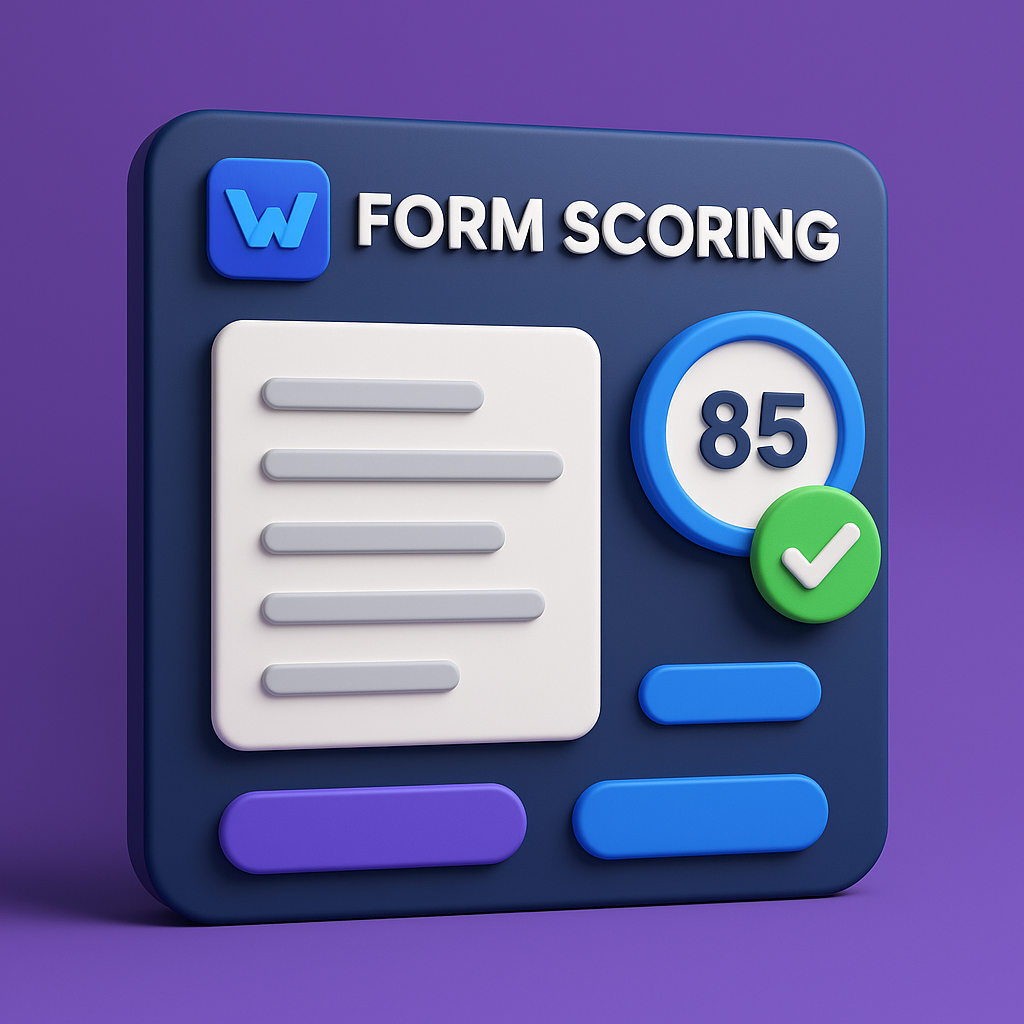
  • Form Scoring is Here! ๐Ÿ’ฏ Form scoring now automatically calculate totals and gives a final score (this has been turned off by default for all existing forms. You can turn on in the form settings)

  • Attachments in Comments ๐Ÿ“Ž Need to add a photo or document to a comment? Now you can! Easily attach files for more context.

  • Supercharged Sensor Capabilities ๐ŸŒก๏ธ We've rolled out a major upgrade for how you can use sensor data in your forms:

    • Sensor Triggers: ๐Ÿ“ก Automatically trigger actions in a form based on readings from your connected sensors.

    • Sensor-Based Branching: ๐Ÿง  Create smarter forms that show different questions based on sensor input (e.g., "If temperature is above 40ยฐF, ask for corrective action").

    • Sensors in Formulas: ๐Ÿ”ข You can now use live data from your sensors directly in your formula calculations.

โœ… Improvements & Fixes

  • Longer Text Answers โœ๏ธ We've increased the character limit for paragraph text questions to 5,000 so you can provide more detailed answers.

  • Faster Image Compression ๐Ÿ–ผ๏ธ On the web, images are now compressed more efficiently in the background, making the app feel snappier when you're uploading photos.

  • Better Camera Default ๐Ÿ“ธ For iOS and web users, the camera will now default to the rear-facing lens to save you a tap.

  • Thermometer Reliability โš™๏ธ We've improved the performance and connection reliability for Cooper Atkins thermometers.

June 9th, 2025

WorkWizard 1.0.42 is out, packed with smarter formatting, clearer approvals, and smoother form flows. Letโ€™s dive in ๐Ÿ‘‡

Please allow up to 48 hours for mobile apps to reflect these updates.

โœจ New Features

๐ŸŽจ Custom Form Category Colors
Assign a unique color to each form category for instant visual organization.

๐Ÿš Approval Routing Explanation
Approvers now see exactly why theyโ€™ve been chosen, streamlining decision-making and reducing back-and-forth.

๐Ÿค“ Number Precision
Numbers can now be specified to require a certain number of decimal places

๐ŸŒก๏ธ Advanced Number Formatting

โ€ข Currency - Display inputs as dollars complete with symbols.
โ€ข Temperature - Format values in ยฐC or ยฐF automatically.
โ€ข Percentage: Enter and view data as percentages with configurable decimal places.

๐Ÿž Fixes & Improvements

๐Ÿ“ฑ Android Photo Capture
Resolved sporadic camera failures on various Android devices.

๐Ÿ“Š Completion Status Reports
New completion status reports will be set to not show statuses for the teams and locations above them. If the old behavior is desired, toggle the new โ€œShow Full Reportโ€ button

๐Ÿš› UI Polish & Consistency
Refined spacing, button states, and transitions for a more fluid and unified form filling experience.

Enjoy the update! Let us know what you think.

May 27th, 2025

Please allow up to 48 hours for mobile apps to reflect these updates.


โœจ New Features

๐Ÿ” Location Dropdown Sorted by Distance
Now when selecting a location in a form, the list is sorted from closest to farthest โ€“ smarter and faster selections!

๐Ÿ›ก๏ธ Admins Can Approve Anything
Admins now have the power to approve any submission โ€“ including bypassing the approval chain when needed.

๐Ÿ“ Multi-Select for Locations
Select multiple locations at once to update attributes or move them to another team.

๐Ÿงฎ Formula Sections
Break down complex logic with sections in formulas

๐Ÿ’ฏ Scoring For Numbers and Stopwatch
Assign range values to number and stopwatch inputs. Specify success and pass criteria.

๐Ÿงช Version Checker Utility
A new banner now appears if your app is out of date! ๐Ÿšจ
Just click the banner to jump straight to the App Store inside your profile page to update seamlessly.


๐Ÿž Fixes & Improvements

๐Ÿ—‚๏ธ Edit Instead of Move in Hierarchy
Quickly select a new parent for users or locations โ€“ no more dragging and scrolling!

๐Ÿ“ฆ Better Trigger Handling
Improved support for large sets of trigger on a form.

๐Ÿ—‘๏ธ Auto-Delete Assignments with Last Submission
When the last submission is deleted, so is its assignment.

Other various fixes and improvements!

May 9th, 2025

Please allow up to 48 hours for mobile apps to reflect these updates.


Whatโ€™s New in WorkWizard โœจ

๐ŸŽจ Image Editing โ€“ Worried about not taking the best photo? You can now edit the images you take on your phone before uploading to make sure they are picture perfect

๐Ÿป Form Access Permissions โ€“ You can now allow for multiple editors on forms you create, just add them to your form access.


๐Ÿž Fixes & Improvements

๐Ÿš› Big Form Handling โ€“ Big forms keeping you down? WorkWizard can now handles editing big forms.

๐Ÿ“„ Form Submission Search โ€“ Form Submissions are now searchable by the name of the form instead of the name of the assignment.

April 25th, 2025

Please allow up to 48 hours for mobile apps to reflect these updates.


Whatโ€™s New in WorkWizard โœจ

๐Ÿ”” Granular Notifications โ€“ Fine-tune exactly which events you get notified about for a more focused workflow!

๐Ÿ“ข Manager Announcements โ€“ Managers can now send announcements right in WorkWizard. Stay up-to-date with important updates!

๐Ÿ”— Hierarchy Linking โ€“ Easily navigate your organization hierarchy and jump directly to detailed views for specific users or locations.

โœ‰๏ธ Notification Email Linking โ€“ Notification emails now link you directly to the relevant page in WorkWizard for faster action.

๐Ÿ“ Submission Edit Tracking โ€“ Every change made to form submissions after they are submitted is now tracked, so you always know who changed what (and when)!

๐Ÿ” Better Form Navigation โ€“ Quickly filter form questions by input type or name in the form editor.

โšก Trigger Assignment Tab โ€“ Trigger-based assignments now have their own dedicated tab for easier access and management.


๐Ÿž Fixes & Improvements

๐Ÿ“„ Form Autoscroll โ€“ When filling out drafts, the form will automatically scroll to the nearest unanswered question for quicker completion.

๐Ÿ“Š Report Charts โ€“ Granular Completion Status Reports now support charts.

๐Ÿ“ฑ Mobile-Friendly Upgrades โ€“ Mobile experience is smoother, with required prompts and fields displaying just as they should.

๐ŸŽญ Multi-Submission Role Assignments โ€“ Assignments can now support multiple submission roles, allowing for more flexible workflow management.

๐ŸŒฟ Conditional Branch Reassign โ€“ When editing options for a Multiple Choice Question, you can reassign conditional branches that might be affected by option change.

โณ Minute-Level Notification Assignments โ€“ Assignment notifications can now be scheduled to go out at the exact minute you need them.


Beta Features

๐Ÿ•ต๏ธ Audit Log โ€“ Get visibility into changes across WorkWizard with our new Audit Log (currently in beta). Access may change as we continue to refine this feature.
March 4th, 2025

Please allow up to 48 hours for mobile apps to reflect these updates.

What's New in WorkWizard โœจ

๐Ÿ—ณ New Feedback Tab โ€“ We want to hear from you! Check out the new Feedback tab, where you can easily share suggestions, report issues, and vote on upcoming features. Help shape the future of WorkWizard!

๐Ÿ“ Location Count Tracking โ€“ Need better insights into locations? Weโ€™ve added a feature to track the total number of locations directly within the platform!

โฑ Stopwatch Field โ€“ Introducing a new stopwatch field, allowing you to track durations within forms seamlessly.

๐Ÿ”„ Reassign Feature โ€“ You can now reassign tasks easily, giving you more flexibility in workflow management.

๐Ÿ“ฉ Send Emails to Entered Addresses โ€“ You can now automatically send emails to an address entered in a form! This allows for dynamic email notifications based on user input, making communication smoother and more efficient.


๐Ÿž Fixes & Improvements

๐Ÿ•ฐ Timezone Fixes โ€“ Addressed an issue where timezones were causing discrepancies in timestamps. Now, everything should be properly aligned!

๐Ÿ“ง Announcement Email Fixes โ€“ Fixed issues affecting announcement emails, ensuring they are sent correctly and reliably.

๐Ÿ“ File Uploads Now Support Unicode โ€“ You can now upload files with names containing Japanese characters, emojis, and other Unicode symbols without any issues.

โœ‰๏ธ Form Notification Emails Handle Invalid Emails Properly โ€“ Improved how form notifications handle invalid or malformed email addresses to prevent delivery failures.

๐Ÿ“ธ Fixed Camera Issues in Forms โ€“ Resolved an issue where users were unable to take pictures directly within forms on some devices.


๐Ÿ”ง Miscellaneous Updates

โœ… General performance improvements and bug fixes to enhance your overall experience.

February 7th, 2025

Please allow 48 hours for mobile apps to see these updates

What's New in WorkWizard โœจ

New Features

  • ๐Ÿ“ File Cabinet: Easily share documents across your organization! Upload and manage PDFs, Excel files, and Word documents, with flexible sharing options for specific teams, roles, or individual users.

  • ๐Ÿ“Š Google Sheets Integration: Keep your WorkWizard lists in sync with Google Sheets. Any updates made to your Google spreadsheet will automatically sync to your corresponding WorkWizard list.

  • โœ๏ธ Custom Assignment Names: You can now customize the names of your form-based assignments instead of being limited to the default form name.

  • ๐Ÿ”” Improved Assignment Notifications: Set up notifications to alert specific roles when assignments are completed.

  • โฐ Precise Late Due Date Controls: Set assignment expiration times down to the minute, offering more precise control over when overdue assignments expire.

Misc

  • ๐Ÿ”ง Various performance improvements and bug fixes to make your experience smoother

January 28th, 2025

Release Notes

Please allow 48 hours for mobile apps to see these updates.

We're excited to announce the latest updates to our platform ๐Ÿš€ Here are some of the more notable changes and fixes:

New Features

  • Assignment Wizard Redesign ๐Ÿ“: We've streamlined creating assignments to make it simpler and more intuitive.

  • Manual Sync To Google Sheets ๐Ÿ”„: Users can now manually sync data directly with Google Sheets, allowing for missed submissions or backdating syncing.

  • Forms Loading Speed โšก: Improved loading speed when visiting the โ€œFormsโ€ section.

Bug Fixes

  • Expression Limit Issue ๐Ÿ› ๏ธ: Resolved an issue where expression limits were causing disruptions, ensuring smoother operations.

  • Google Account Picker ๐Ÿ”‘: Fixed the Google account picker to prevent login and account selection issues.

  • Rejection Message Limit ๐Ÿ“ฌ: Increased the limit for rejection messages during approval routing to accommodate more detailed feedback.

  • Username and Password Settings ๐Ÿ”: Addressed issues with setting usernames and passwords during a username based account creation, ensuring smoother account management.

  • Cleanup User After Removal ๐Ÿงน: Enhanced our cleanup procedures to ensure all user resources are properly removed upon account deletion.

  • Visibility of Hidden Descriptions: Corrected the visibility issue with hidden descriptions when questions were in a section.

Other Updates

  • Skeleton Loaders: Enhanced skeleton loaders for a smoother UI experience across devices, including mobile-specific improvements. Feels much snappier!

We appreciate your feedback and are here to help with any questions or concerns about these updates.

As always, if youโ€™d like to leave feedback or request features, please visit https://feedback.workwizard.com/

January 7th, 2025

Release Notes ๐Ÿš€

New Features

  • Custom Lists ๐Ÿ“‹

    • Create global lists

    • Add items individually or bulk import via CSV

    • Reference list in new โ€œListโ€ question type

    • Real-time updates across all connected forms

  • Enhanced Attribute Management ๐Ÿท๏ธ

    • View all locations using specific attribute by clicking on an attribute

  • Calendar View for Tasks ๐Ÿ“…

    • Monthly calendar visualization of โ€œMy Tasksโ€

    • Integrated with existing task management

  • Quick Assignment Reports ๐Ÿ“Š

    • Instant completion status reports

    • One-click access from assignments

    • Streamlined reporting workflow

  • In-App Announcements ๐Ÿ“ข

    • Pop-up notifications for new announcements

    • Ensures announcement visibility

    • Improved team communication

UI Improvements

  • Navigation Enhancements ๐Ÿงญ

    • Redesigned sidebar layout

    • Bubble indicators for open tasks

January 3rd, 2025

Release Notes ๐Ÿš€

New Features

  • Assignment Notifications โฐ

    • Schedule automated notifications for assignments with flexible timing options

    • Notify assignees and managers before/after due dates

    • Configure custom notification schedules for incomplete assignments

    • Target notifications to specific roles (assignees, managers, etc.)

  • Username Support ๐Ÿ‘ค

    • Switch from email-only to username-based authentication

    • Accommodate employees without company email addresses

    • Simplified user management

  • Google Sheets Integration ๐Ÿ“Š

    • Connect your Google Workspace account

    • Map forms to specific Google Sheets

    • Automatic submission syncing

  • Location Attribute Improvements ๐Ÿ“

    • Assign forms based on location attributes

    • Control question visibility using location attributes

Changes

  • Authentication Updates ๐Ÿ”

    • Removed all social login options (Google, etc.)

    • Direct password management and reset control

Other Improvements

  • Many performance optimizations and bug fixes ๐Ÿ› ๏ธ